
Last updated: 4 years ago
Posted on: 2022-07-20 20:01
Allowing the download on Windows
In many cases, Windows Defender / Security may block the download (or delete the files) of the easy mining app:

Be sure to also check this article to allow the download on Google Chrome.
To avoid the Windows restriction, you must first execute the command "Windows key + R" and enter:
windowsdefender://threat

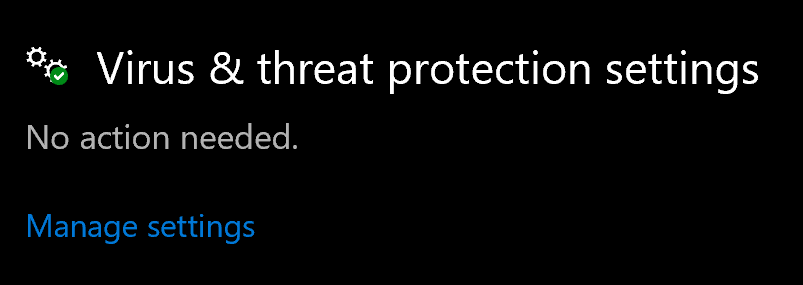
A window will open, you must then go into "Virus & threat protection settings" and click on "Manage settings":
Finally turn off the real-time protection just to allow the download:
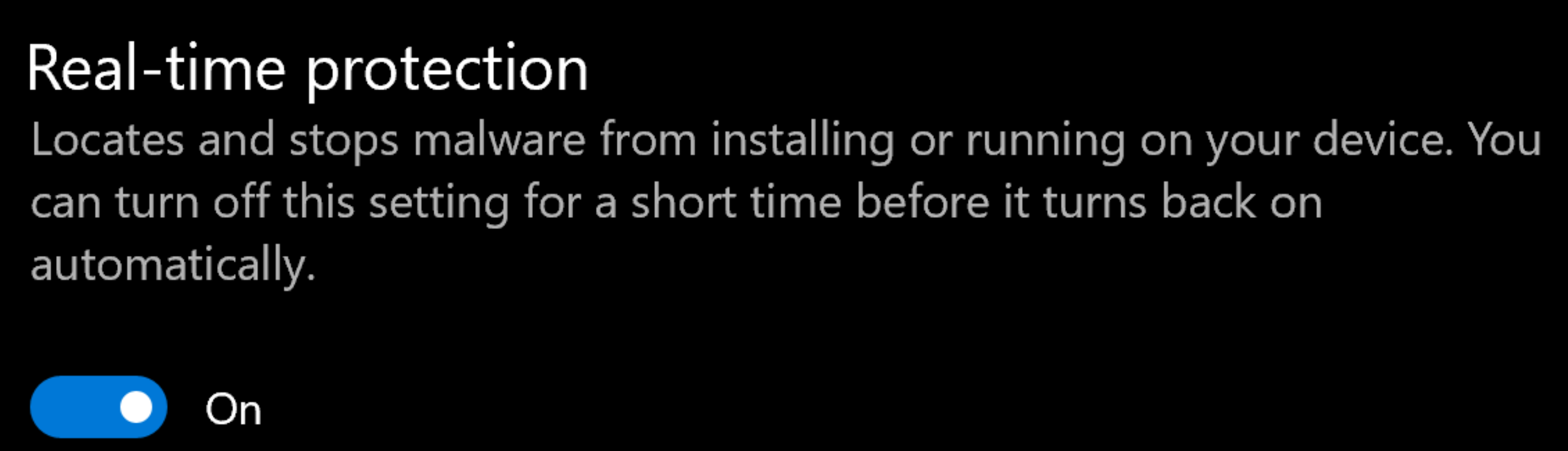
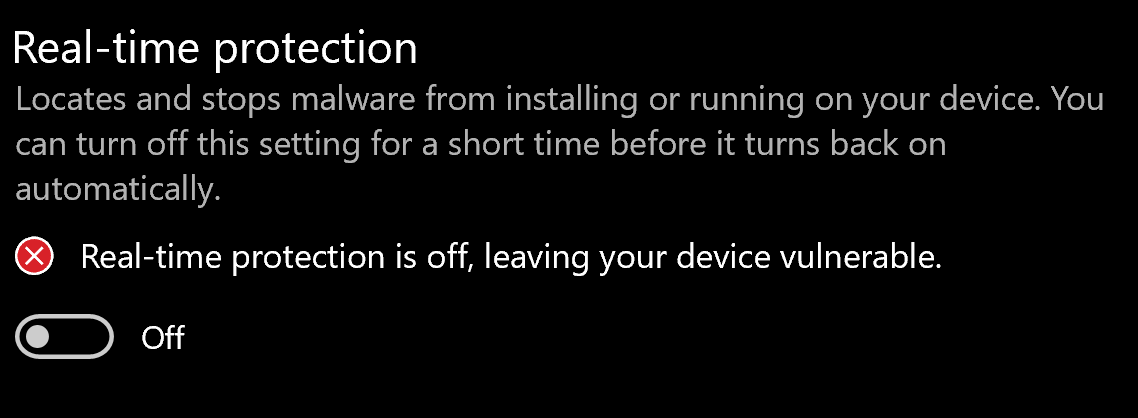
Please note that there is no need to have the security turned off all the time when running the app, but just for downloading the app.

If you have any issue, question or suggestion contact us here:
Email (Official Support Channel)
support@unmineable.comX (formerly Twitter)
@un_mineableInstagram
@unminableBeware of impersonators, we have no official Telegram or Discord channels.