
How to download the app on Google Chrome
A very frequent issue occurs when you download the application on Google Chrome or similar browsers that provide a real time protection, blocking the download of the MFI version.

To avoid this issue, you must update a setting on the browser to allow "insecure" downloads.
First you must select the "more" button on the top right corner of the browser (three vertical dots next to our user), there, you must go into Settings.

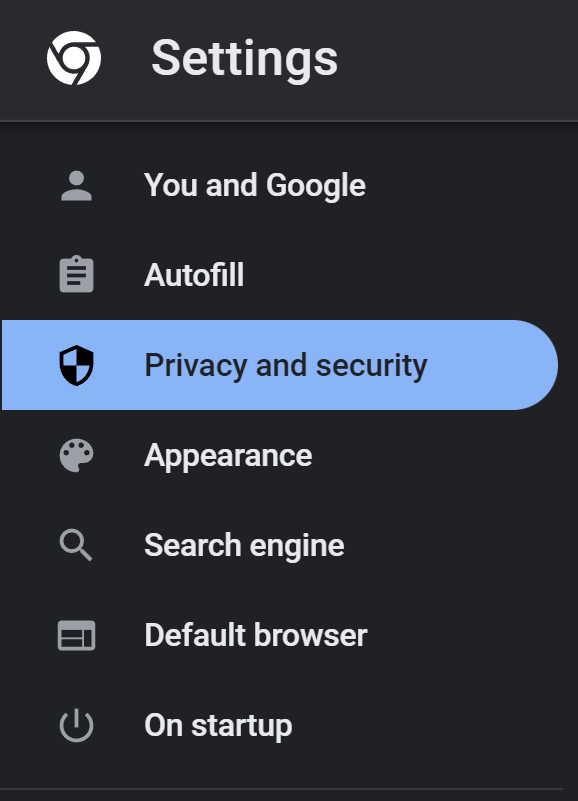
On the "Settings" page, select the "Privacy and security" tab.
There you will find Google Chrome's "Safe Browsing" feature, which provides three levels of protection. By default, the browser is set to the Standard protection, which is why the download is blocked every time as the miner files included are flagged as a malware by the browser protection (it's a false positive, as the miner files are safe to keep).

We recommend to set the the "No protection" setting only when downloading the easy mining app, and then set the configuration back to "Standard".
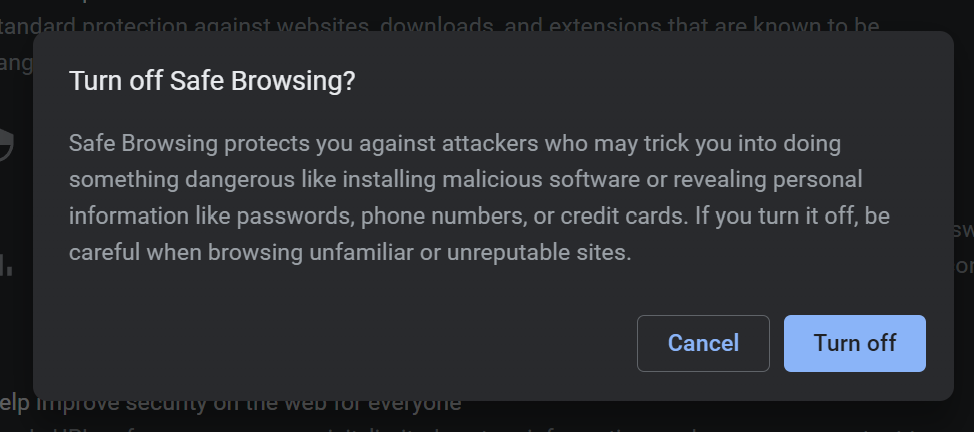
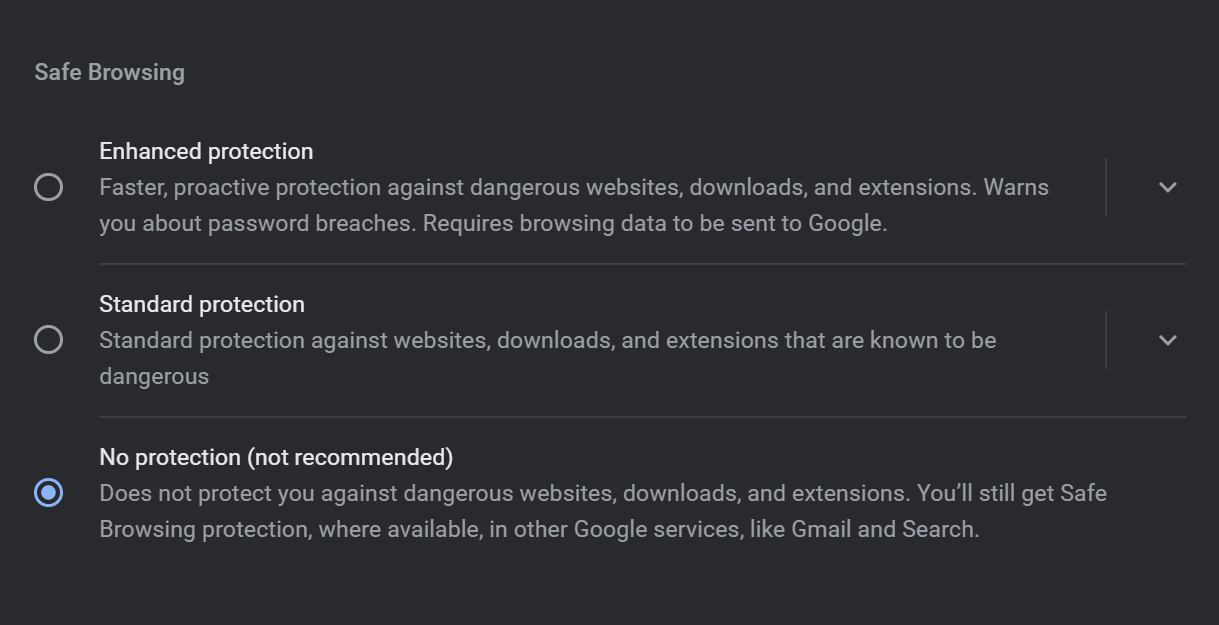
Finally you may try to download the app again, with the security feature temporarily disabled.
Please note that there is no need to have the security turned off all the time you use Google Chrome or run the mining app, you may update it just when you need to download the app.

If the issue persists kindly try to disable the Real Time Protection of Windows Defender.
If you have any issue, question or suggestion contact us here: