
Last updated: 4 years ago
Posted on: 2022-07-21 21:00
RandomX: How to fix the "failed to apply MSR mod" issue
If your mining app started and you have seen in your miner logs the following error message:
FAILED TO APPLY MSR MOD, HASHRATE WILL BE LOW

You can fix it by modifying the Compatibility section on the properties of Xmrig.exe
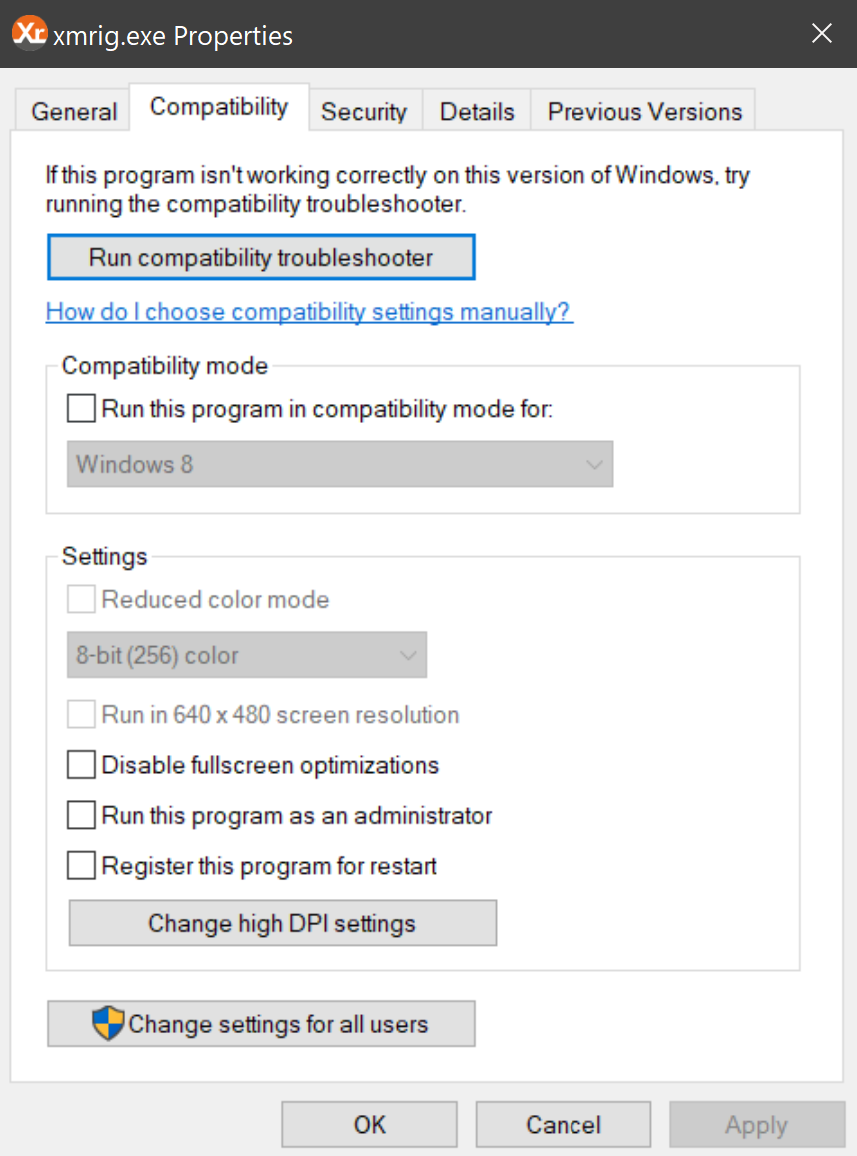
Just enable the "Run this program as administrator" checkbox:
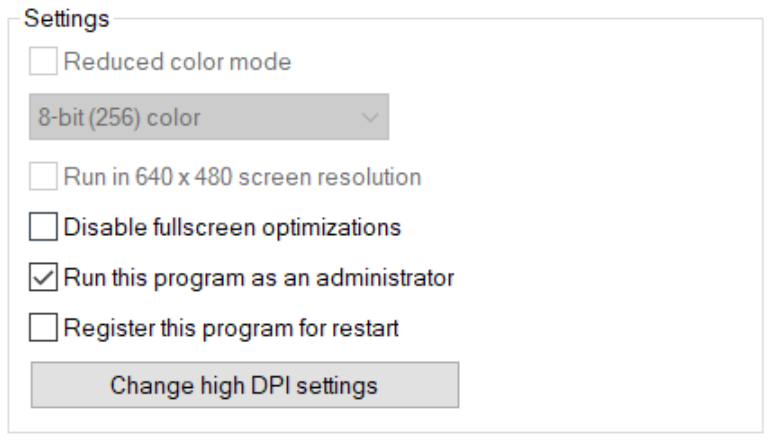
That should fix the issue, just restart the mining process 🙂

If you have any issue, question or suggestion contact us here:
Email (Official Support Channel)
support@unmineable.comX (formerly Twitter)
@un_mineableInstagram
@unminableBeware of impersonators, we have no official Telegram or Discord channels.