
How to fix Advanced Settings not saving correctly
⚠️ Note that this fix only applies to versions earlier than 2.1.0 of the desktop mining app. If you are running into this issue it would be a better idea to update your desktop mining app to the latest version! ⚠️
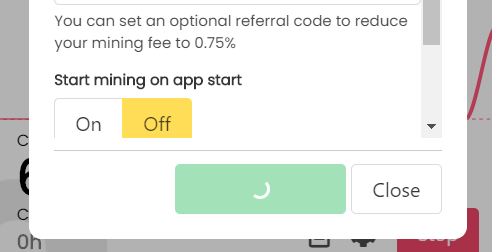
If your app is stuck in "Saving..." after updating your advanced settings, you must go into the configuration folder and edit or delete the settings.json file.
You can find the configuration folder at:
/AppData/Roaming/unmineable-miner
⚠ If you are unable to find the AppData folder you must enable the "Show hidden files and folders" option in Windows 10.
You should see something like this:
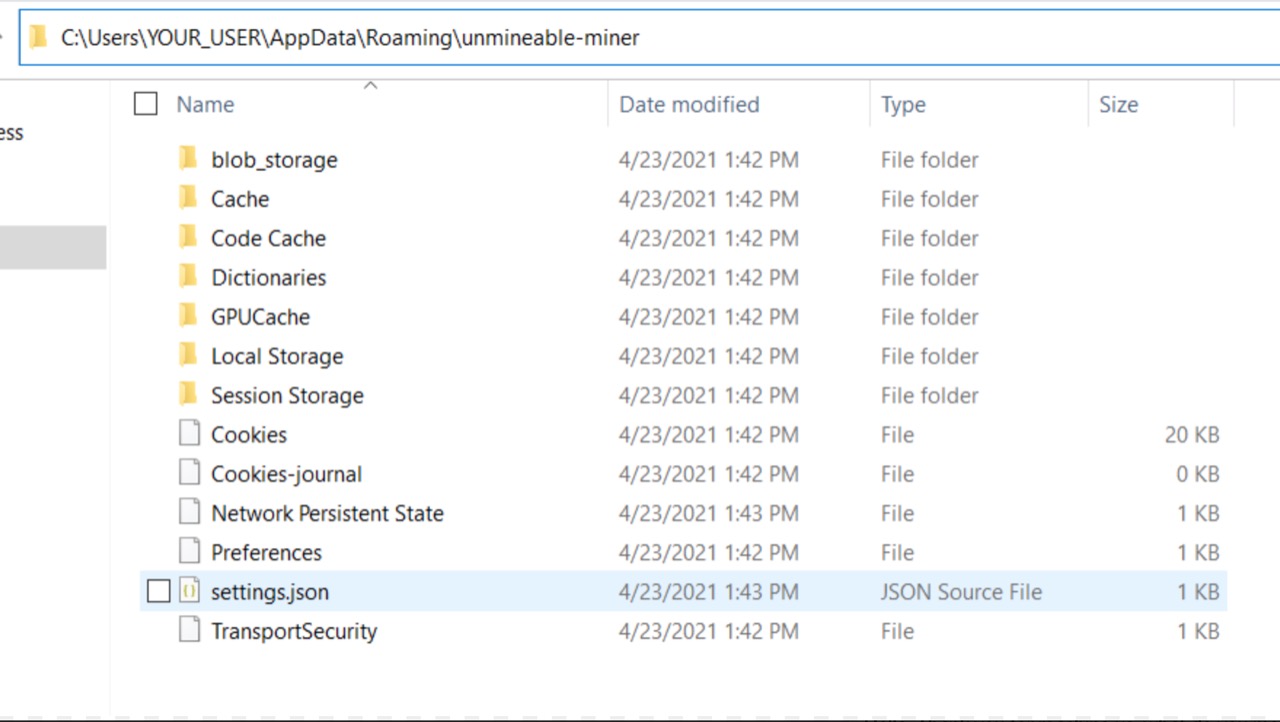
Simply remove the settings.json (if you are removing the file be sure to have your address previously saved elsewhere).
Or... you could also edit the settings.json with a text editor and change for example, the mining algorithm to "ethash" from "etchash".
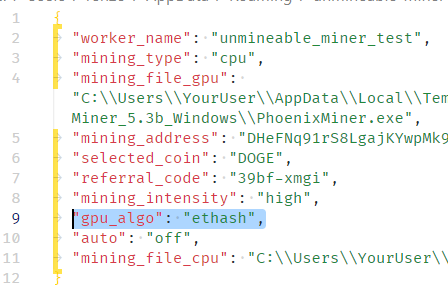
Here are the fields you will find and the meaning of each:
- worker_name: The randomly generated worker name (you can also set one worker name)
- mining_type: Possible values: "gpu" or "cpu"
- mining_file_gpu: The location of the PhoenixMiner.exe location
- mining_address: The mining address, must be a valid address of the coin specified in "selected_coin"
- selected_coin: One of our supported coins
- referral_code: An optional referral code
- mining_intensity: Possible values: "low" or "high"
- gpu_algo: Possible values: "ethash" or "etchash"
- auto: on or off, indicates if the app should start mining automatically when opened
- mining_file_cpu: The location of the xmrig.exe location
Then simply re run the app!
If you have any issue, question or suggestion contact us here: