
How to fix a never starting app
Sometimes some configuration files of the app are removed by an antivirus or get corrupted, in this cases you will see that the app is stuck in the next screen:
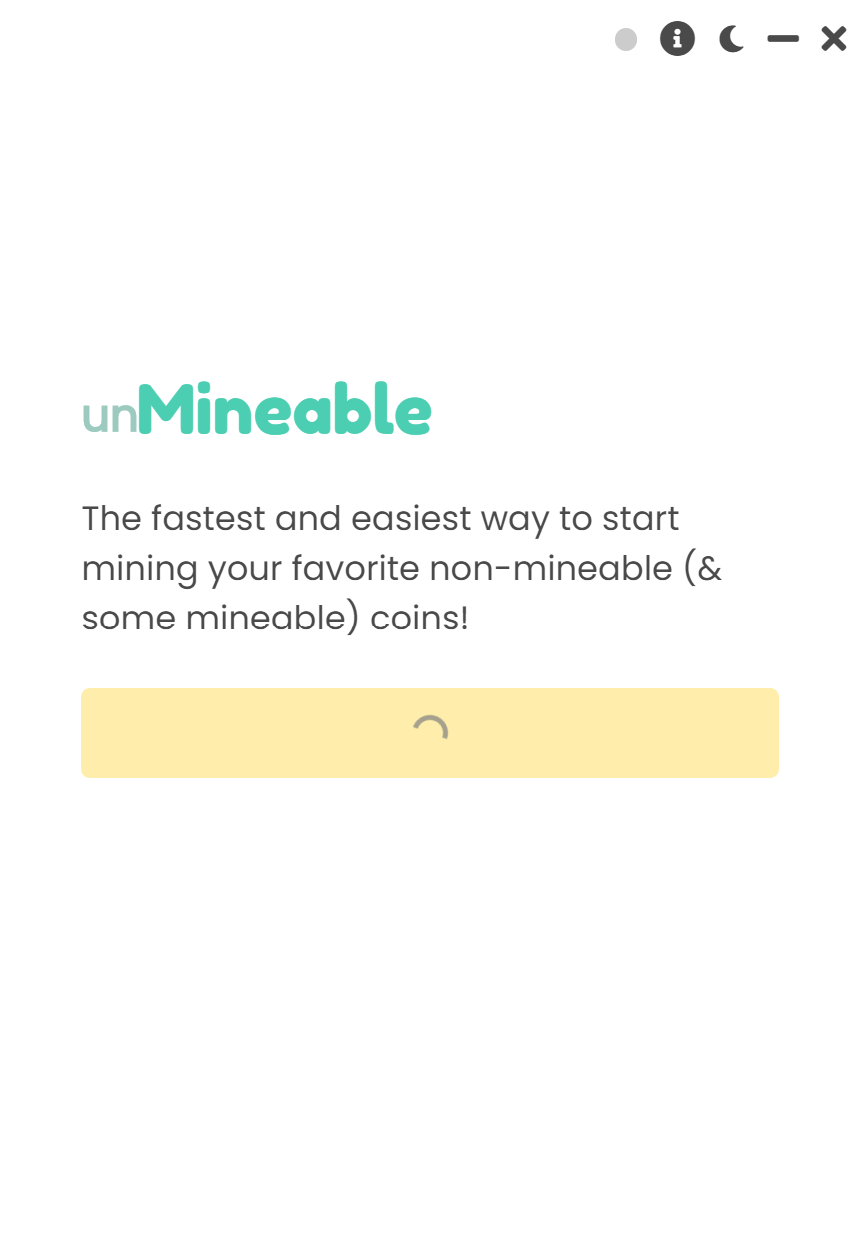
You must remove the config files of the app, and re run it, so that they can get re-created automatically on the next run.
Simply go into your User folder (where you can find your Downloads, Documents, Images, and more) and go into the AppData folder (this can be hidden, be sure to have your "View hidden files and folders" setting on).
Then go into:
/AppData/Roaming/unmineable-miner-main
Or unmineable-miner-mfi (if you are using our mfi version)
You should see something like this:
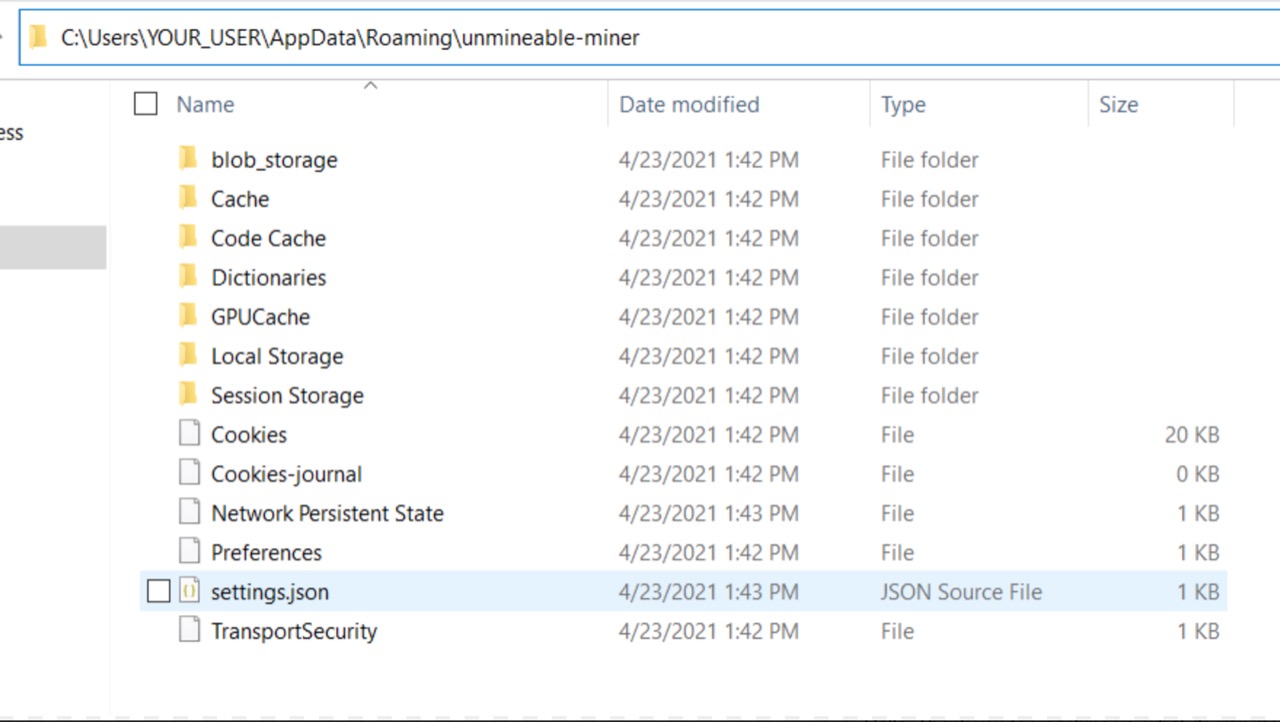
Once you are in the folder, remove everything.
Be sure to save your address (you can get it from settings.json also) because the app will ask for you address again on the next start.
Then simply re run the app! It should start right away, if it isn't please kindly contact us! You will need to get to the app's console.
If you have any issue, question or suggestion contact us here: