
Creating an Exodus wallet
Exodus is a non-custodial crypto wallet that supports more than 225 cryptocurrencies, with the advantage of you having full control of your private key giving you a higher level of security and privacy for your transactions.
No account sign-up is required as Exodus runs locally on your device. All of your wallet's important information, including your 12-word secret recovery phrase and private keys, is stored and encrypted directly on your device.
In order to create an Exodus wallet, the first thing you'll need to do is to install the app on the supported device of your preference; as mentioned on their website:
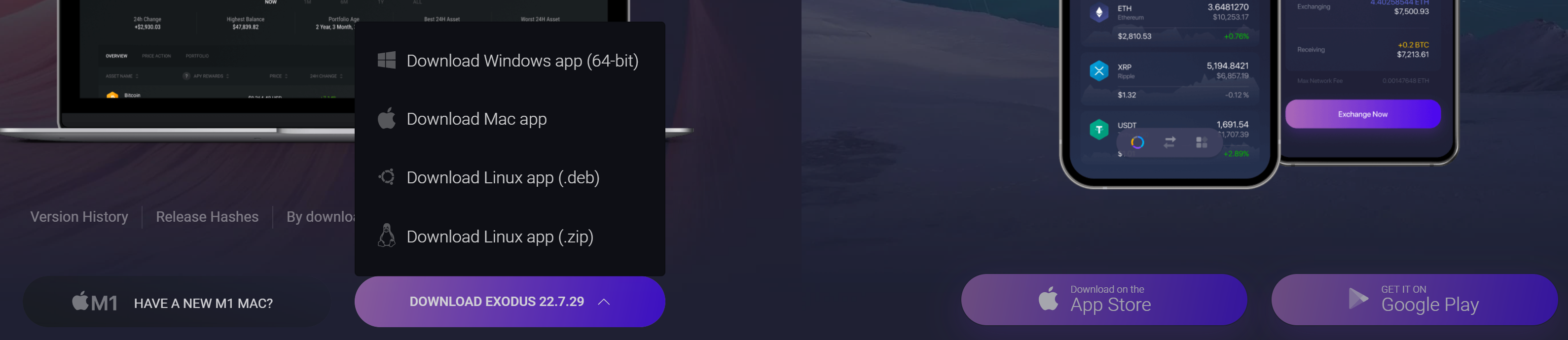
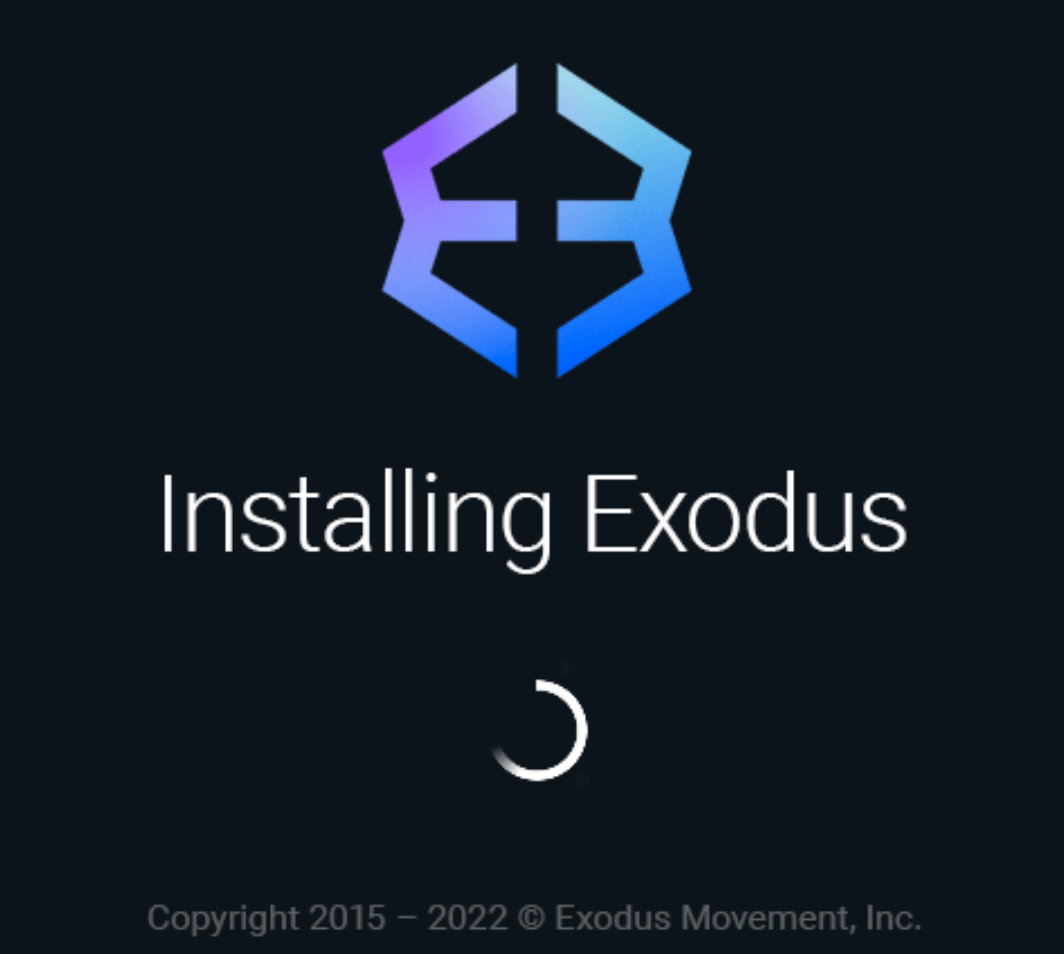
After running the downloaded file, the application will start installing on your computer
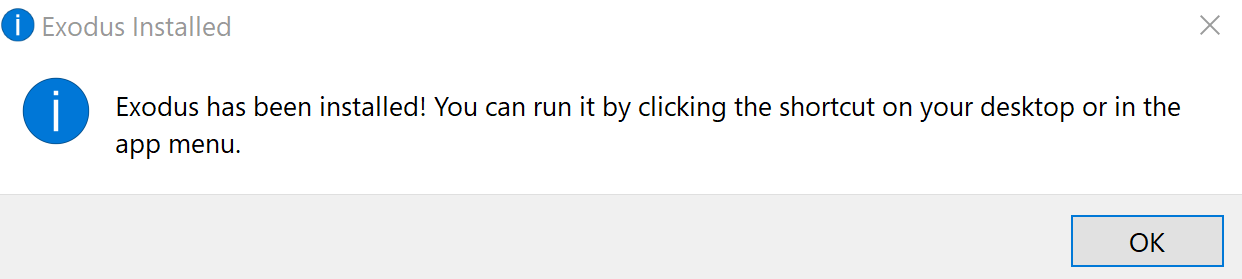
Finally, the following alert will appear, just click on Ok and a shortcut of the app will be created on the Desktop of your computer. 🙂
Important:
Although once you have downloaded the application you can use the wallet, be sure you create a password and get your seed phrase in case you want to import your wallet or recover the funds if you lost access to your main device.
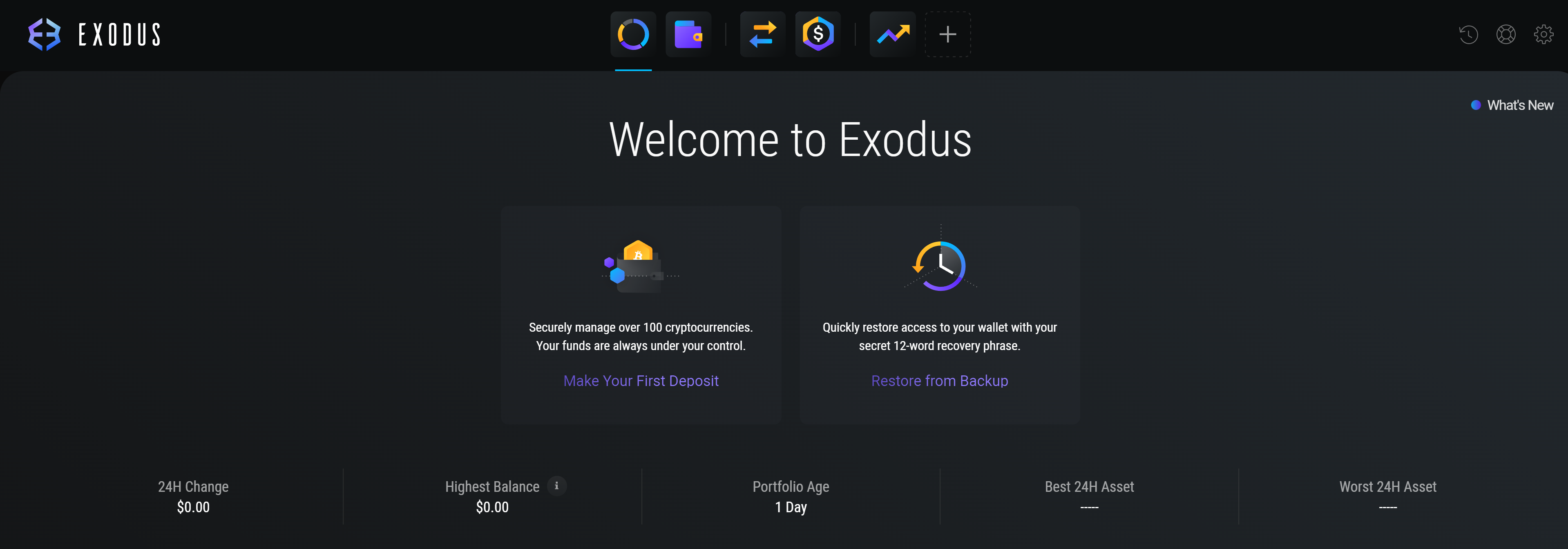
For this, you must go to "Settings" (gear symbol) and then to "Backup"

There you must create a safe password, minimum of 4 characters and confirm it on the next screen to continue
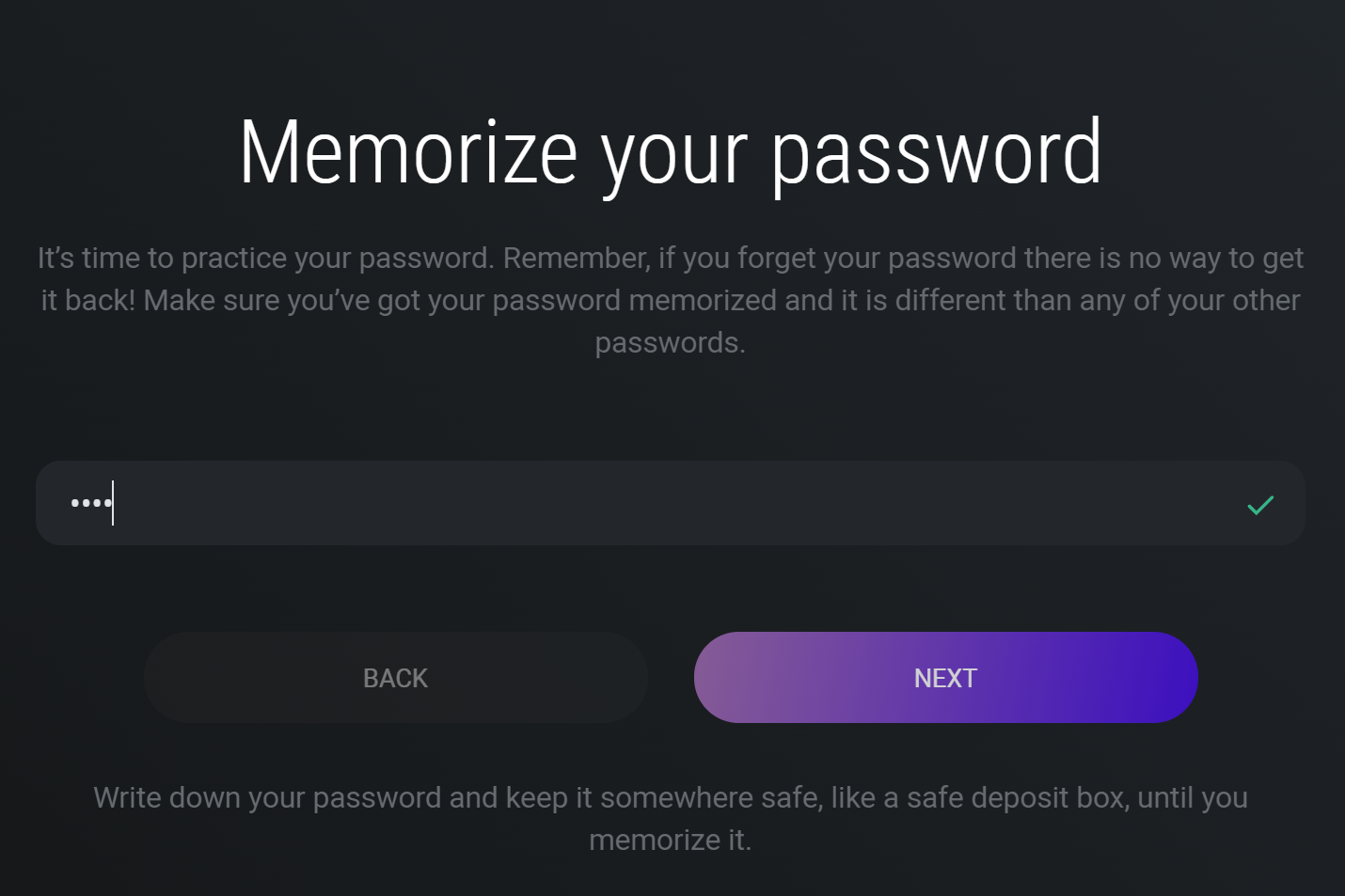
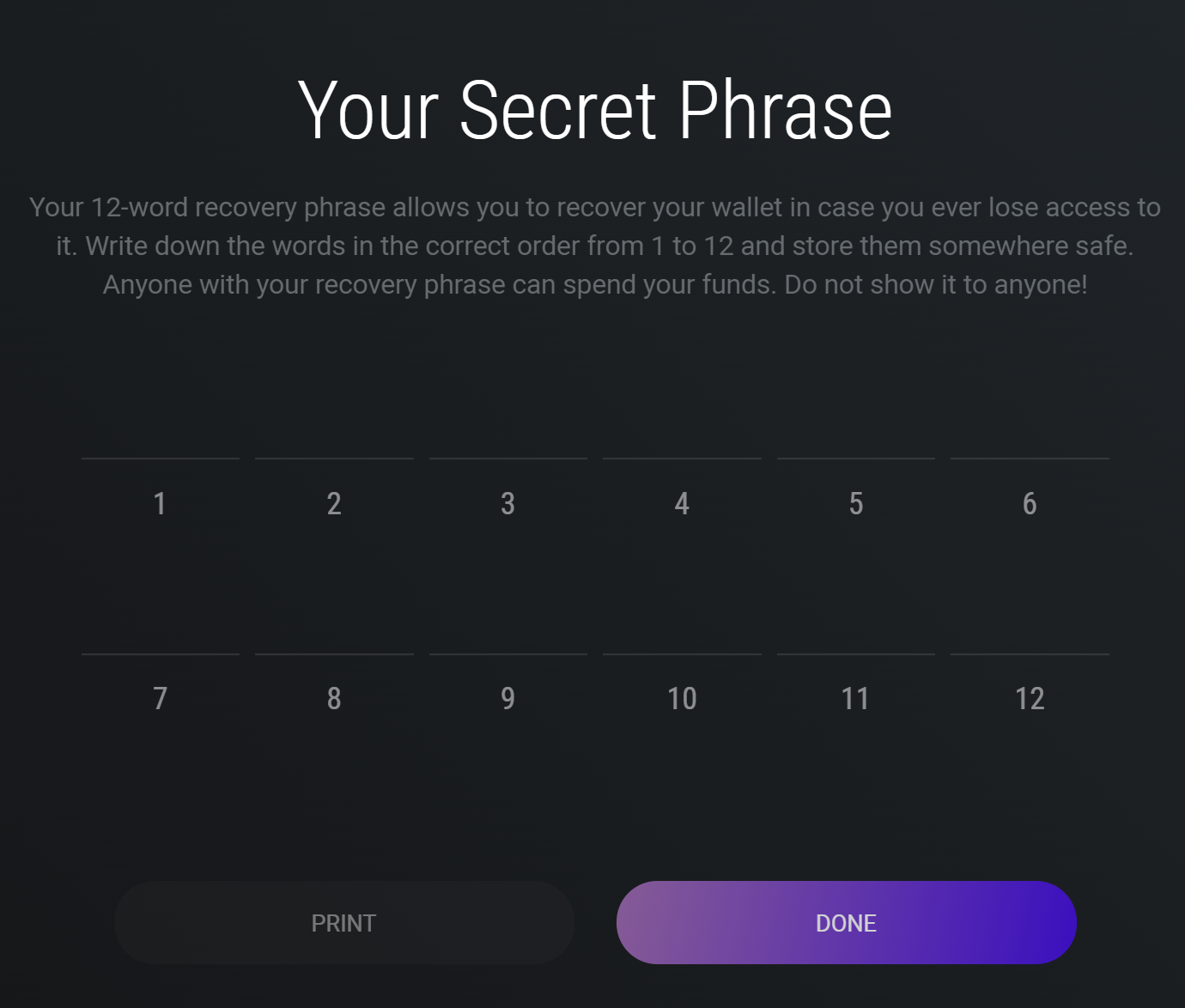
A warning will appear, telling you that your passphrase will be displayed next, be sure to write it on a piece of paper or other physical form, all digital formats stored in your phone or computer could be accessible to hackers.
Finally, just select the correct requested word...
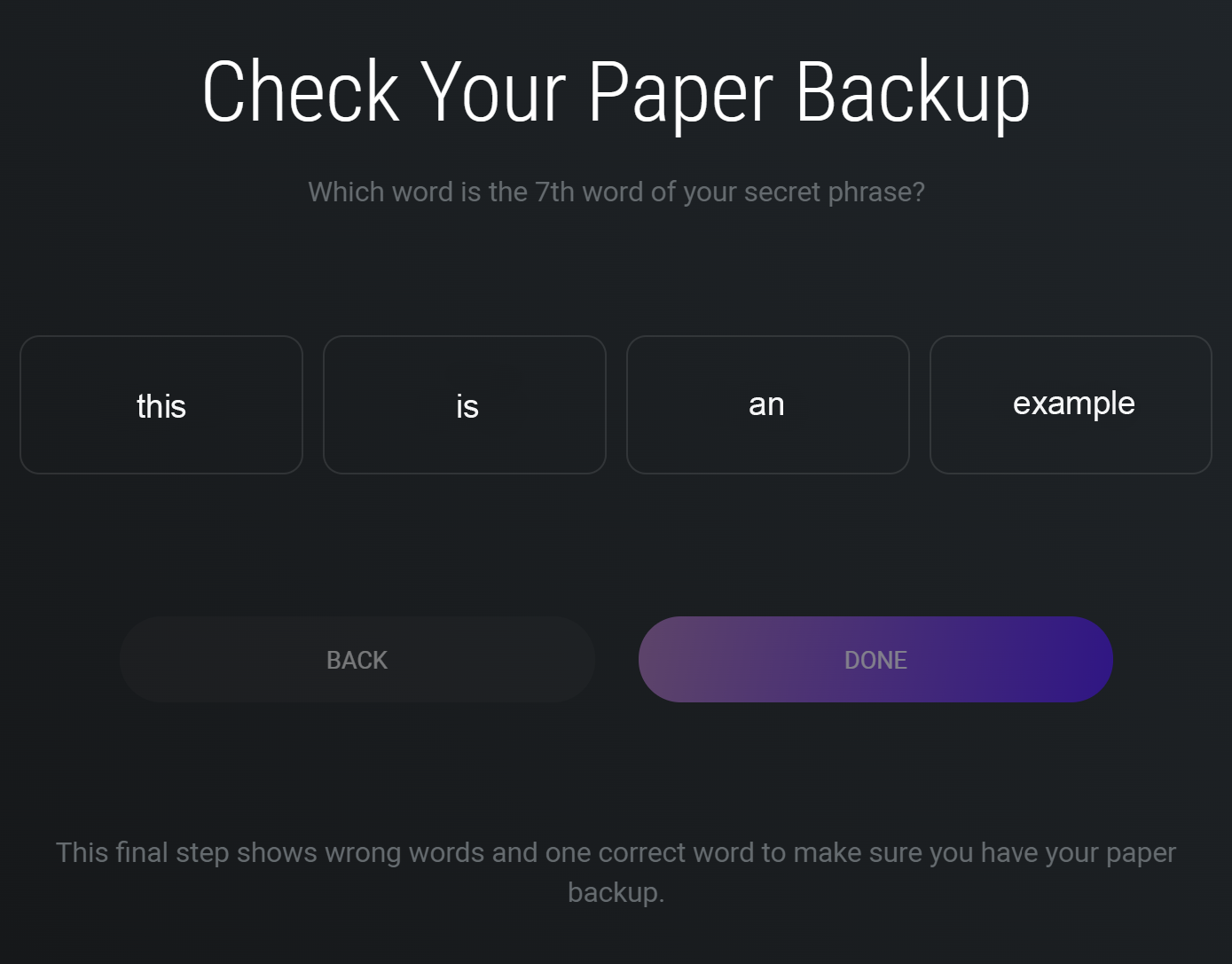
And it's done! Now you can use your Exodus Wallet to store your favorite crypto and receive your payments whenever you reach the payment threshold of the coin you are mining with us. 🙂

If you have any issue, question or suggestion contact us here: