
Creating a Trust Wallet account
Trust Wallet is a decentralized crypto wallet and a gateway to blockchain apps that allows you to buy, store, collect NFTs, exchange and more, with the advantage of having full control of your private key giving a higher level of security and privacy for your transactions.
In order to create a Trust Wallet account, the first thing you'll need to do is to install the app on the supported mobile device of your preference; as mentioned on their website: iOS or Android.

Once you have selected your platform and downloaded the app; the following screen will appear the first time you open it, you must select the "Create a wallet" option.

Then, you will be redirected to a tab where the terms of service and privacy policy of the application will be shown, be sure to read them, and check the box shown below to Continue

An eight number passcode will be necessary to add another layer of security when using the app, it will be requested every time you want to start your Trust Wallet app.

After setting up your passcode, a warning will appear regarding the responsibilities of the Secret Phrase, which should be read carefully and marked to continue.
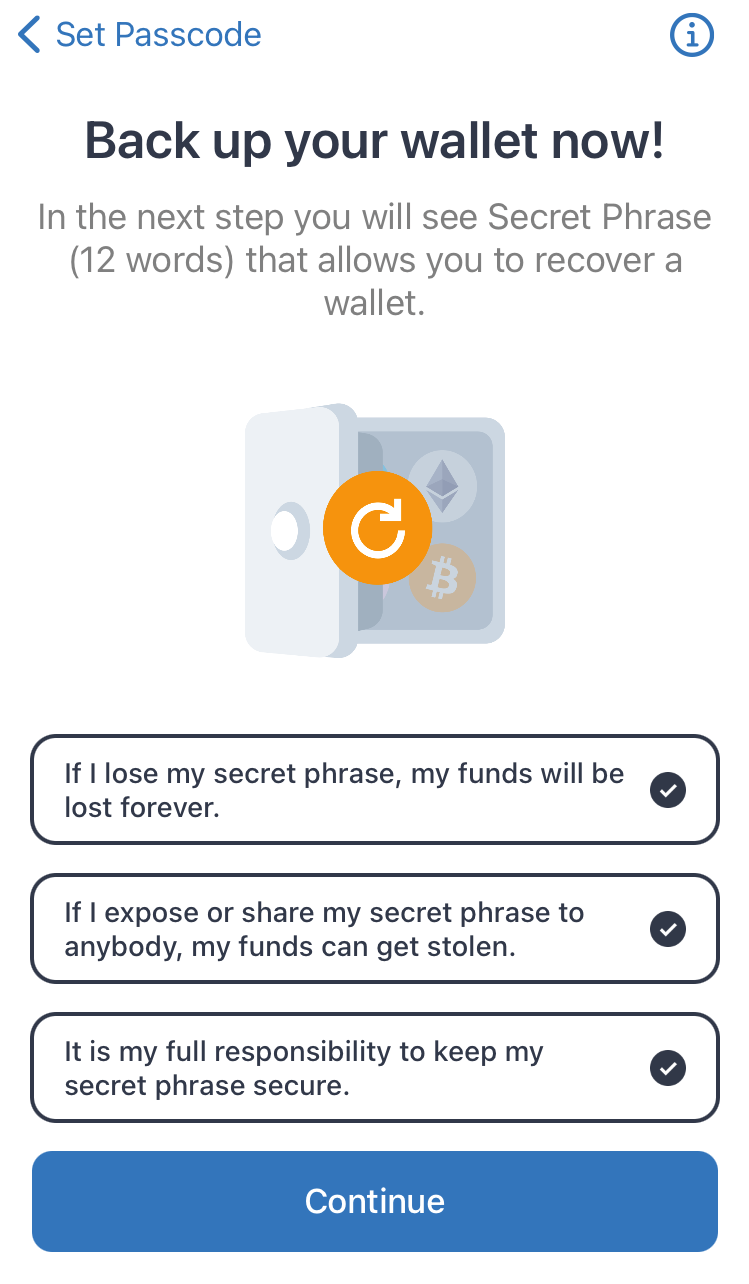
A screen will then appear to show your Secret Secret Phrase, It comprises 12 random words to import your wallet in cases like loss access to your main device.
Be sure to write it on a piece of paper or in a physically form, all digital formats stored on your phone or computer could be accessible to hackers.
This phrase will be never requested by us, or any other website to process transactions, create accounts or connect your wallet.

Then, just select the words in the correct order and click on "Confirm" to continue and start using your Trust Wallet account.
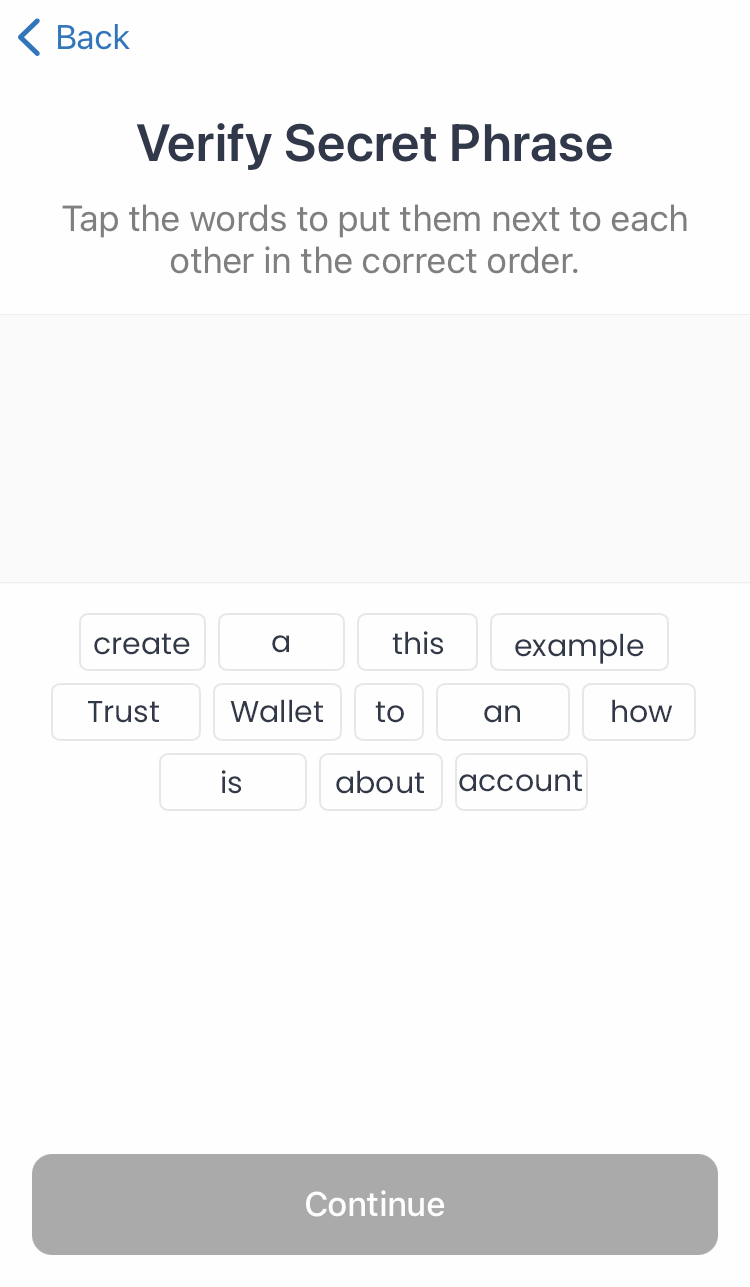
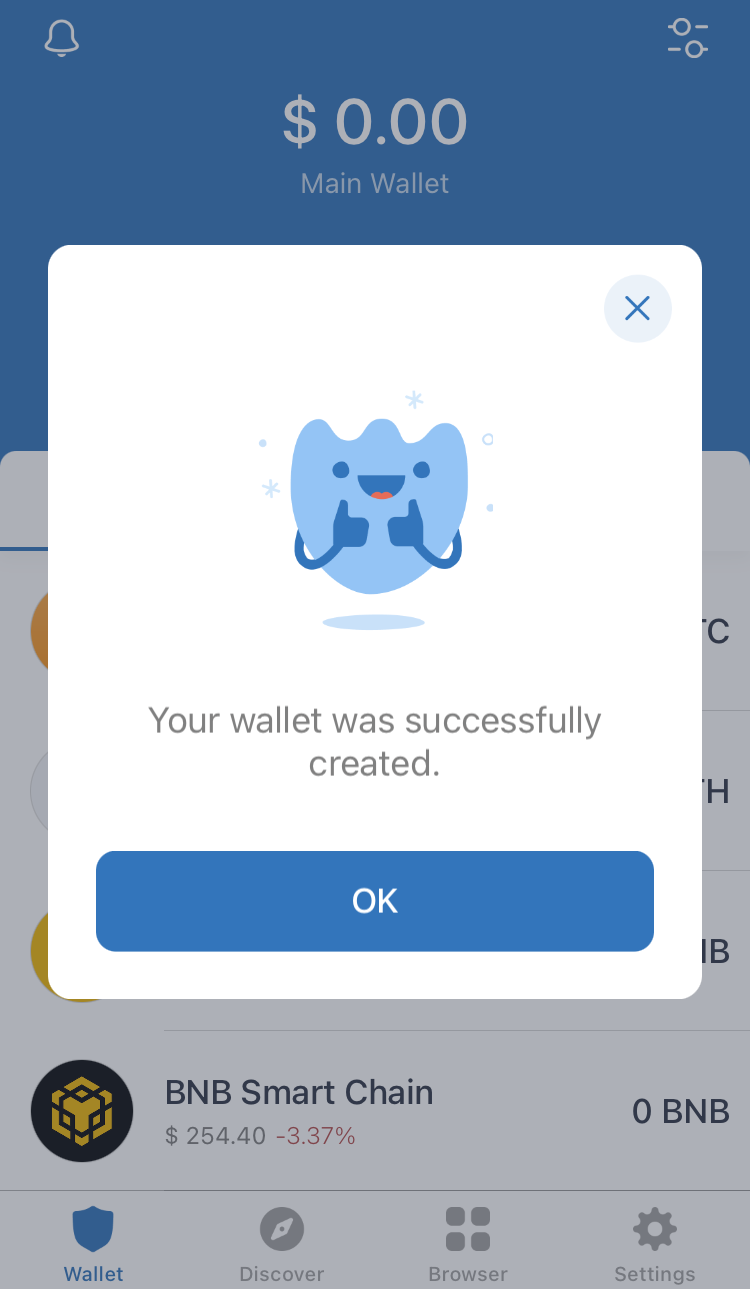
Finally, click on Continue and it's done! Now you can use Trust Wallet to store your favorite crypto and receive your payments whenever you reach the payment threshold of the coin you are mining with us. 🙂
If you have any issue, question or suggestion contact us here: