
How to check the miner logs
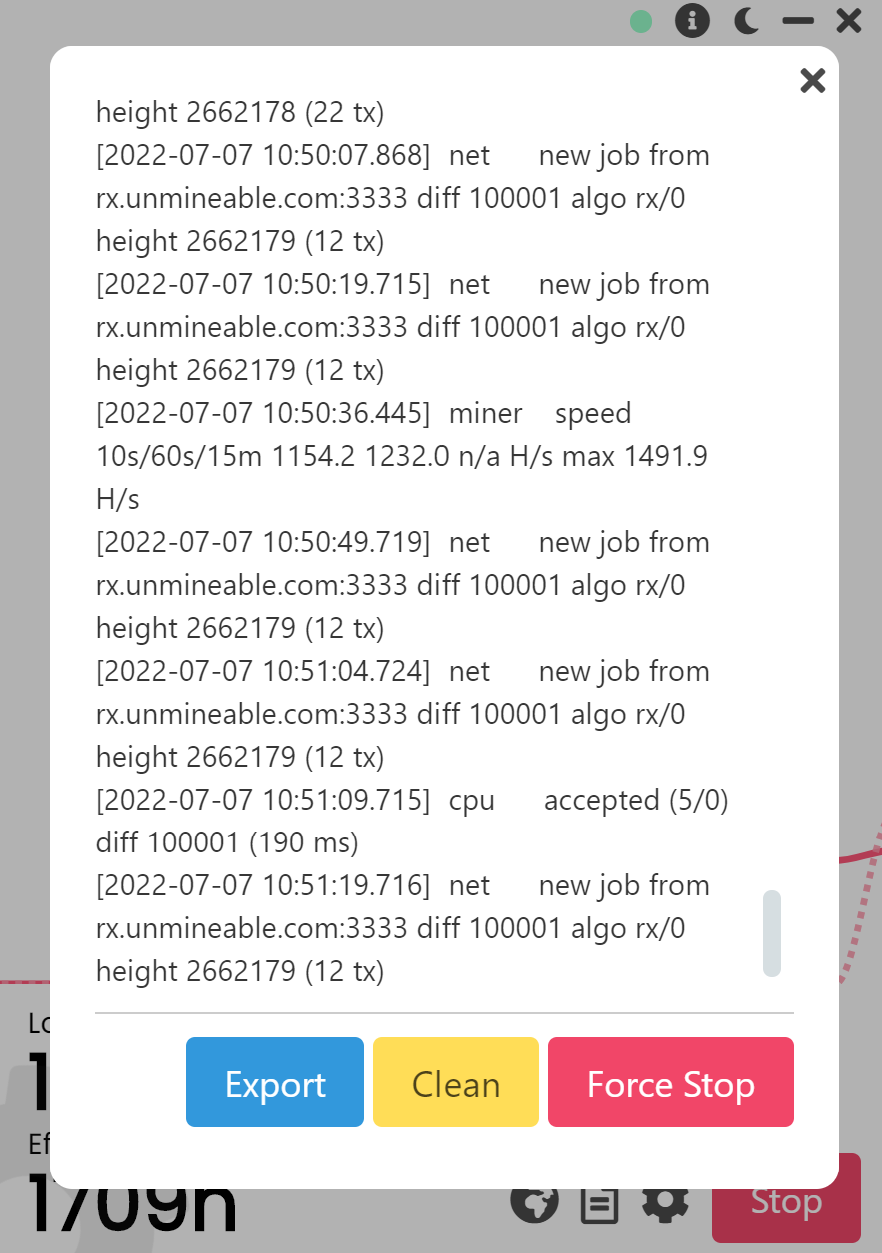
Most (if not all) of the issues that a miner can have are easily identified by checking the miner logs, note that our app it's a wrapper for other well known mining apps, which means that it relies on third party verified mining software to work, such as lolminer, nbminer, trex and others. By checking the miner logs you will be seeing the exact output of each mining process, you will be able to check for connections errors, submitted shares count, mining uptime, shares latency and more details, that can help you identify the actual issue and fix it later.
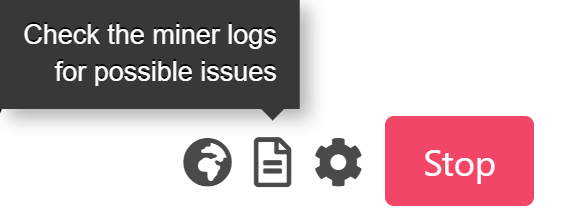
To get to the miner logs you must first go to the mining screen, you will see a paper like icon next to advanced settings:
A small window will open on top of your mining screen:
If you have any issue, question or suggestion contact us here: