
Last updated: 4 years ago
Posted on: 2022-04-12 21:55
How to access the app's Console and Source code
To get access to the app source code, simply go into About:
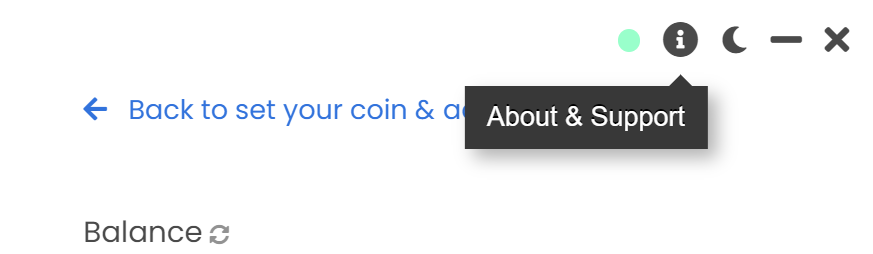
And then into Source:
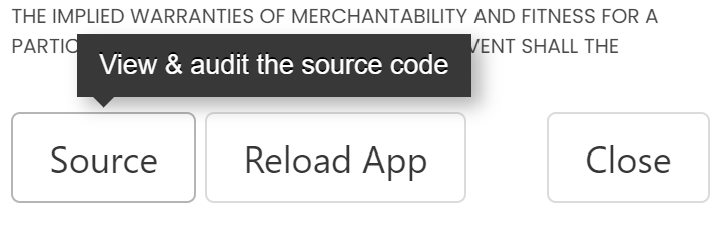
A window should open with the following information:
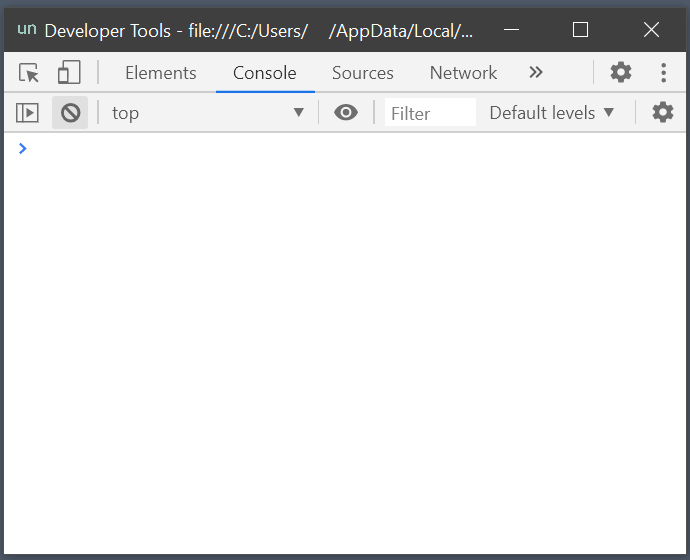
You will then be able to check the app source code in the Sources tab.
You can also check more information like the Network requests that the app runs, or errors that may show up in the Console tab, which our support team may need to help you fix some issues!
If you have any issue, question or suggestion contact us here:
Email (Official Support Channel)
support@unmineable.comX (formerly Twitter)
@un_mineableInstagram
@unminableBeware of impersonators, we have no official Telegram or Discord channels.